
Spanish accents copy and paste tool
Instantly copy and paste Spanish letters, symbols, and punctuation marks
Writing in Spanish requires specific characters that are not readily available on a standard keyboard. Whether you are a student, a professional, or a language learner, missing a mark can change the meaning of your text entirely. Our tool offers a streamlined solution to access all essential Spanish accents and symbols in seconds.
This interface is designed for speed and simplicity. By visiting , you gain immediate access to a full set of Spanish characters. You no longer need to remember complex Alt codes or change your system settings every time you need to type a single letter.
How to use the Spanish accent tool
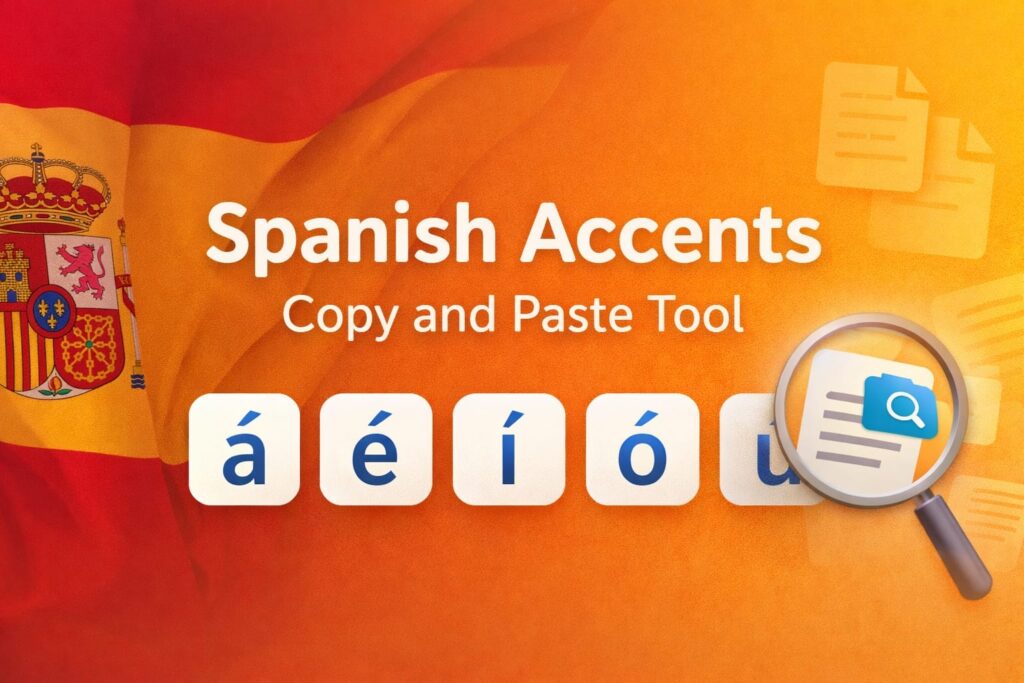
Step 1: Browse the grid or use the search bar to find your symbol. For a wider range of characters, you can explore our full collection of accented letters.
Step 2: Click the character you need. The tool copies it to your clipboard instantly and shows it in the preview box.
Step 3: Paste the character into your text. For non-alphabetic marks, visit our symbol library.
Why correct Spanish symbols are essential
In Spanish, there is a clear distinction between accents, letters, and punctuation. While accents like the acute mark indicate stress on vowels (á, é, í, ó, ú), characters like the ñ are considered unique letters in the Spanish alphabet. Additionally, Spanish punctuation marks such as the inverted exclamation point (¡) are fundamental for correct grammar and tone.
Using the correct marks shows a high level of professionalism and ensures your message is interpreted correctly by native speakers. Traditional input methods can be slow, but this tool functions as a lightweight assistant that removes technical barriers.
By keeping this tool bookmarked, you have a reliable resource for any Spanish writing task. It ensures that you can always find and copy the correct Spanish characters whenever you need them, allowing you to focus entirely on your content.